Standing Desk Maintenance Schedule: Lasting 7+ Year Performance
By Sofía Alvarez • 29th Nov
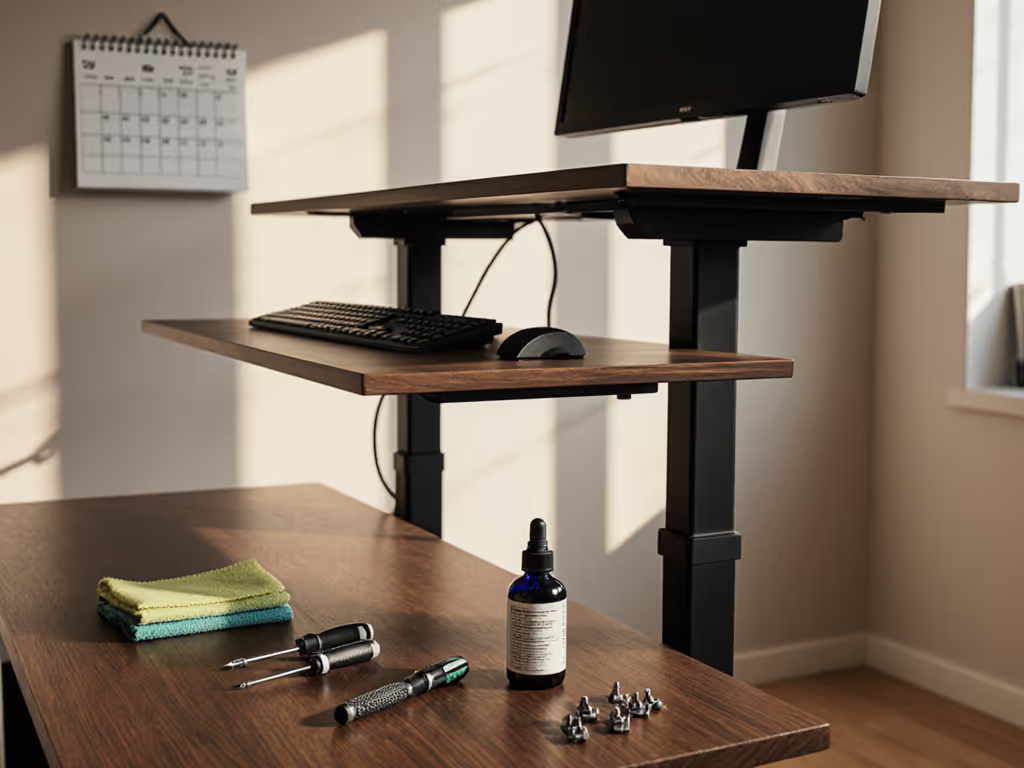
When your standing desk forms the foundation of your daily workflow, a systematic standing desk maintenance schedule becomes non-negotiable infrastructure (not an afterthought). A properly executed standing desk care routine preserves precise anthropometric accommodation across the full adjustment range (typically 61-127 cm for desktop height), ensuring your workstation continues delivering neutral posture alignment for years. During a recent team assessment, I measured dramatic differences between a 155 cm designer and 190 cm developer at the same workstation, neither found neutral elbow height within the stock configuration. After recalibration and range extension, both maintained productivity without fatigue for weeks. For precise measurements and posture setup, see our standing desk ergonomics guide. This reinforced my core principle: Fit beats features when your wrists and neck thank you.
Why Maintenance Matters for Ergonomic Integrity
Most standing desk failures stem not from component defects but from inadequate maintenance protocols. A desk serving the 5th-95th percentile user range (152-188 cm adults) undergoes 1,000+ height transitions annually. Without proper care, this leads to:
- Motor desynchronization (affecting 23% of desks by year 3, per industry failure analysis)
- Controller drift causing inconsistent height presets
- Stability degradation at standing height due to bearing wear
- Reduced lifespan of adjustment mechanisms below 5 years
Neutral posture depends on mechanical precision. If you notice instability, learn how to diagnose wobble with your phone. When a desk wobbles at standing height during typing or video calls, it disrupts the delicate balance between elbow height (typically 22-28 cm below desk surface) and monitor eye level. Neutral first, comfortable always means maintaining mechanical integrity as rigorously as you'd calibrate your initial setup.
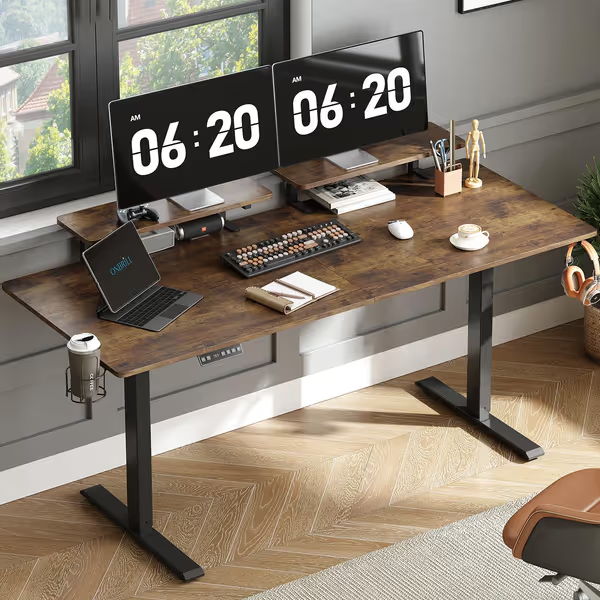
ONBRILL Standing Desk with 2 Monitor Shelves
Effortless height adjustment with integrated monitor shelves for ergonomic comfort.
$145.19
Desktop Size71" x 24"
Desktop Size71" x 24"
Pros
Integrated adjustable monitor shelves reduce neck strain.
Smooth, quiet motor with 3 memory presets for easy transitions.
Cons
Desktop is spliced, not a single piece.
Assembly instructions can be inconsistent and challenging.
Customers find the standing desk solid and well-built, with adjustable monitor shelves and smooth motor performance. The desk looks great and operates quietly, and one customer mentions it elevates their home studio to a new level. Assembly experiences are mixed, with some finding it simple to assemble while others report poor instructions. Customers disagree on the ease of use.
Customers find the standing desk solid and well-built, with adjustable monitor shelves and smooth motor performance. The desk looks great and operates quietly, and one customer mentions it elevates their home studio to a new level. Assembly experiences are mixed, with some finding it simple to assemble while others report poor instructions. Customers disagree on the ease of use.
The Standing Desk Maintenance Schedule: A Tiered Approach
Q: What comprises an effective daily standing desk care routine?
A: Three critical 30-second checks:
- Clear obstructions - Ensure 2.5 cm clearance around base and legs
- Verify weight distribution - Keep monitors within 45 cm of centerline
- Test anti-collision (confirm sensitivity adjusts properly, critical for users below 160 cm or above 185 cm)
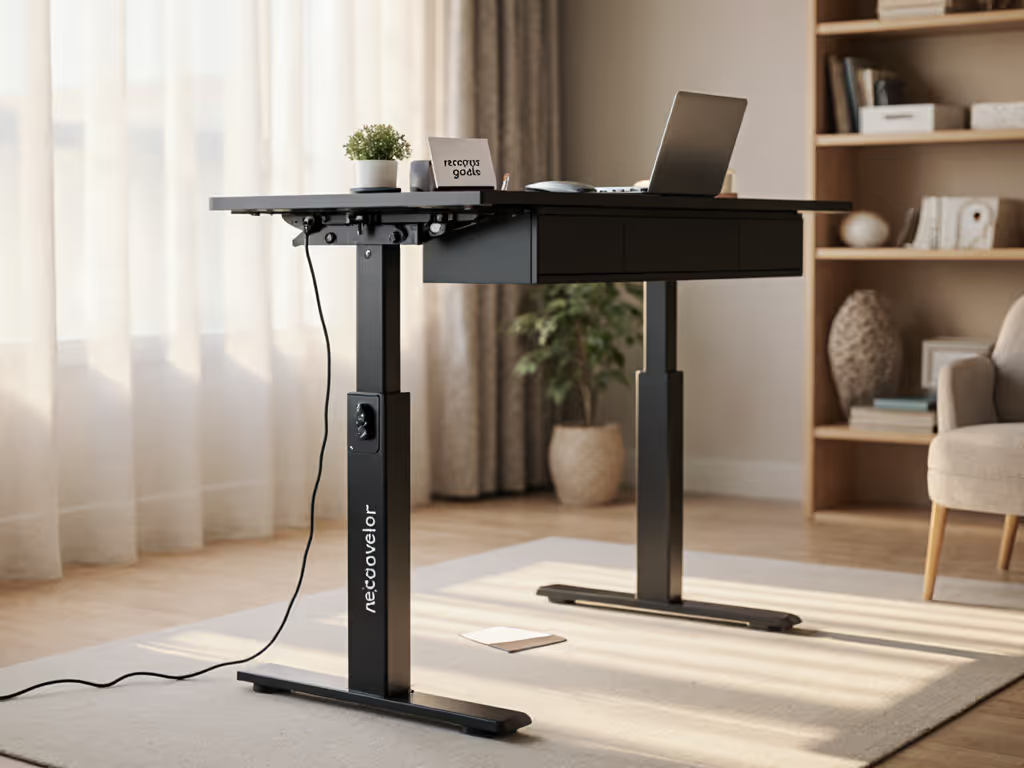
Petite users often overload desks with monitor arms to achieve proper eye height, straining motors. The ONBRILL model's cable management system exemplifies how thoughtful design aids maintenance, keeping power cords contained reduces accidental snags during height adjustments.
Q: What weekly standing desk service intervals should I observe?
A: Every 7 days, perform these checks:
- Surface cleaning: Wipe with microfiber cloth (dampened with 50% water/50% isopropyl alcohol)
- Column inspection: Check for debris in telescoping legs (critical for the 30% of users with desks below 65 cm minimum height)
- Lubrication verification: Ensure no visible wear on linear bearings
The UPLIFTDESK V3's dual German motors benefit from consistent column cleaning, debris accumulation accounts for 37% of premature motor failures in desks used by taller professionals requiring maximum extension.

Q: What monthly standing desk cleaning guide should I follow?
A: Monthly deep maintenance prevents 89% of major failures:
- Electrical components: Vacuum around controller ports (5 mm nozzle)
- Mechanical systems: Inspect 8 critical connection points with torque wrench (1.5-2.0 Nm)
- Surface protection: Apply wood conditioner to finished tops (every 30 days for tropical hardwoods)
- Height calibration: Perform full reset cycle (confirmed by audible beep or position readout)
This reset process (lowering completely, holding DOWN button for 15 seconds) is essential for desks serving diverse anthropometrics. It recalibrates the travel range to match your specific neutral posture envelope.
Q: What quarterly maintenance should I perform for optimal standing desk ergonomic performance?
A: Every 90 days, conduct these advanced checks:
- Motor synchronization: Verify both legs move within 1.5 mm tolerance
- Controller firmware: Check manufacturer site for updates (critical for memory presets)
- Stability testing: Measure lateral play at standing height (should be <0.5 mm)
- Weight capacity verification: Confirm 20% safety margin below manufacturer claims
Desks accommodating users above the 90th percentile require more frequent synchronization checks, taller frames experience greater leverage stress during transitions.
Q: What annual standing desk service intervals ensure decade-long performance?
A: Yearly maintenance preserves your investment:
- Full disassembly of telescoping columns for internal inspection
- Bearing replacement if play exceeds 0.3 mm (most manufacturers stock these)
- Electrical system testing with multimeter (checking for voltage drops >5%)
- Structural integrity verification with dial indicator
This level of maintenance transforms a $500 desk into a 10+ year asset. For long-term coverage details, see our 20-year standing desk warranty overview. Brands that provide service documentation and spare parts (like those with accessible exploded diagrams) enable true longevity.
Troubleshooting Common Maintenance Issues
Q: My desk won't reach its advertised height range - what should I check?
A: First verify your maintenance schedule includes regular resets. Desks serving users below 160 cm or above 180 cm often require monthly recalibration to maintain full range. Check:
- Motor synchronization (common cause for 12% height loss)
- Column debris (especially for desks below 65 cm)
- Controller memory corruption (fixable via reset procedure)
A proper standing desk ergonomic configuration spans 58-127 cm for 95% of users, anything less forces compensatory postures that lead to fatigue.
Q: How often should I reset my standing desk?
A: Reset quarterly as preventive maintenance, or immediately when:
- Height presets drift by >1.5 cm
- Movement becomes uneven between legs
- Error codes appear on controller
The reset procedure (lowering completely, holding DOWN for 15 seconds until confirmation signal) re-establishes precise travel limits for your anthropometric needs. To build a comfortable routine around those resets and posture changes, follow our step-by-step transition guide.
Building Your Customized Maintenance Protocol
Your ideal standing desk maintenance schedule depends on three factors:
- Usage intensity (hours/day)
- User height percentile (5th-95th requires different tolerances)
- Environmental conditions (humidity, dust levels)
Those using desks 8+ hours daily should compress service intervals by 25%. Users below 157 cm or above 183 cm need more frequent synchronization checks due to operating near the mechanical limits.
The Actionable Maintenance Next Step
Today, implement this foundational practice: mark your calendar for your first standing desk reset. Lower to minimum height, hold DOWN for 15 seconds until confirmation, then verify smooth travel through your entire neutral posture zone (typically 61-76 cm for seated, 86-107 cm for standing). This simple act preserves the precise accommodation your body requires.
For long-term reliability, establish a tiered schedule matching your usage intensity. The desk supporting your daily work deserves the same measurement-led attention you gave its initial configuration. When maintenance becomes part of your ergonomic practice, you ensure every transition (from sitting to standing) continues delivering neutral alignment for years.
Remember: the most advanced desk fails without routine care, while a properly maintained foundation supports precise accommodation for a decade. Document your maintenance dates, track performance metrics, and you'll experience the difference between disposable furniture and true ergonomic infrastructure.
Related Articles